Boothify Live

The software in your photo booth.

On iPad and Windows. Live pulls the event from the order, runs without internet and sends photos and numbers back afterwards. Every image comes straight from the app.

Pay as you go: Live costs CHF 5 per event, however many devices. Together with Share & Print at the same event, CHF 8.

Event

The evening is already in the order.

Date, booth, start screen, layout and prompt come from Core. That becomes the profile for the device, so you never set anything up twice.

  • An event without an order works too
  • After the evening: sessions, photos and prints
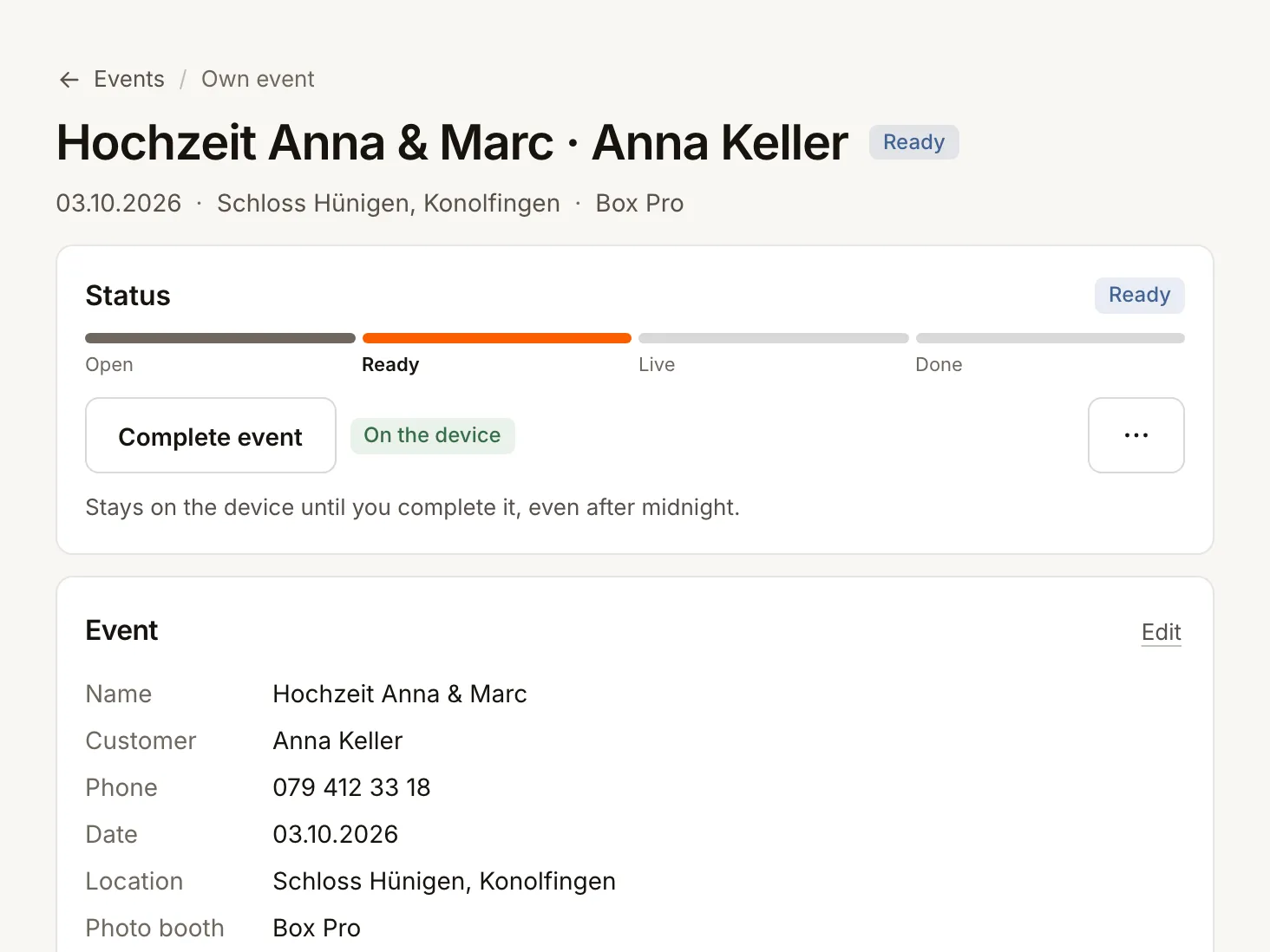
An event in Boothify Live with status, details and feedback from the device

Wedding, 86 sessions.

Layouts

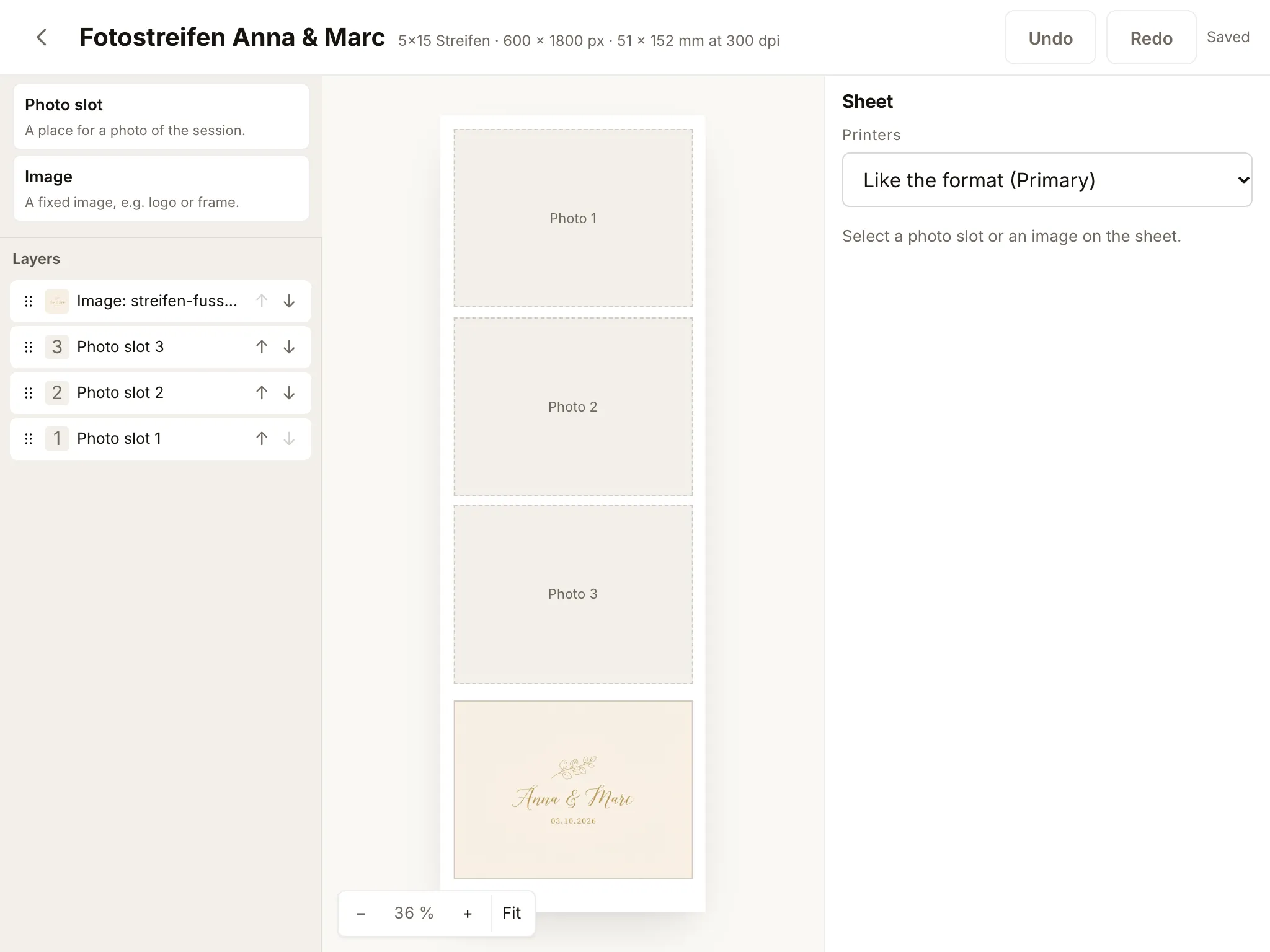
Design your own photo strips.

Drag photo slots and images onto the sheet, accurate to the millimetre. A layout applies to every event or just one.

  • 10x15 and 5x15 strips, plus your own formats
  • Print on DNP or via AirPrint
The layout editor with a three-photo strip and the couple’s names

5x15 strip, three photos.

Devices

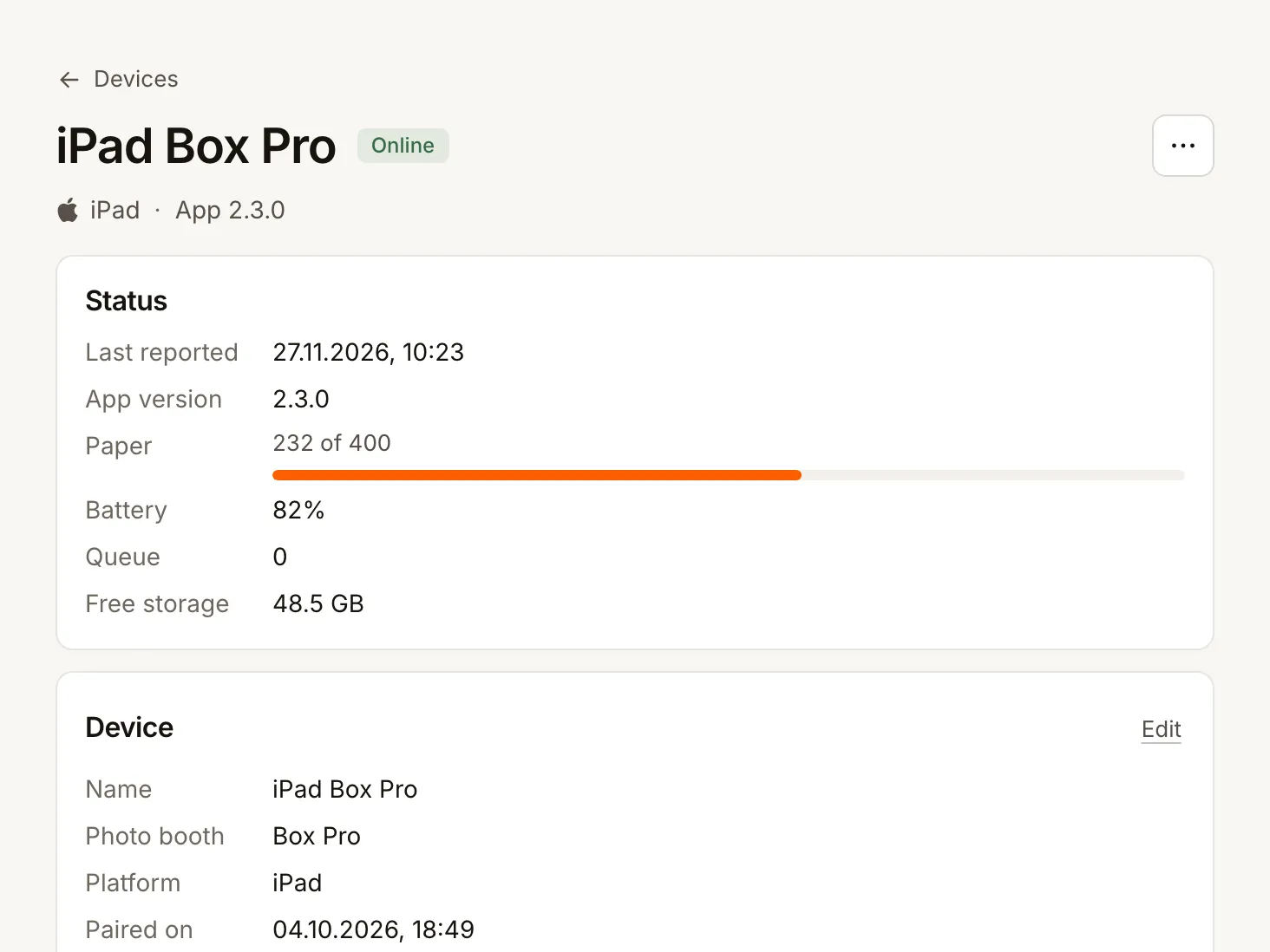
Every booth at a glance.

Pair an iPad or Windows PC with a code. The device reports battery, paper, camera and printer on its own.

  • An alert when a device goes offline
  • Runs without internet and syncs afterwards
A paired iPad with paper level, battery, camera and printer

Online, paper 232 of 400.

Gallery

The photos of the evening, online.

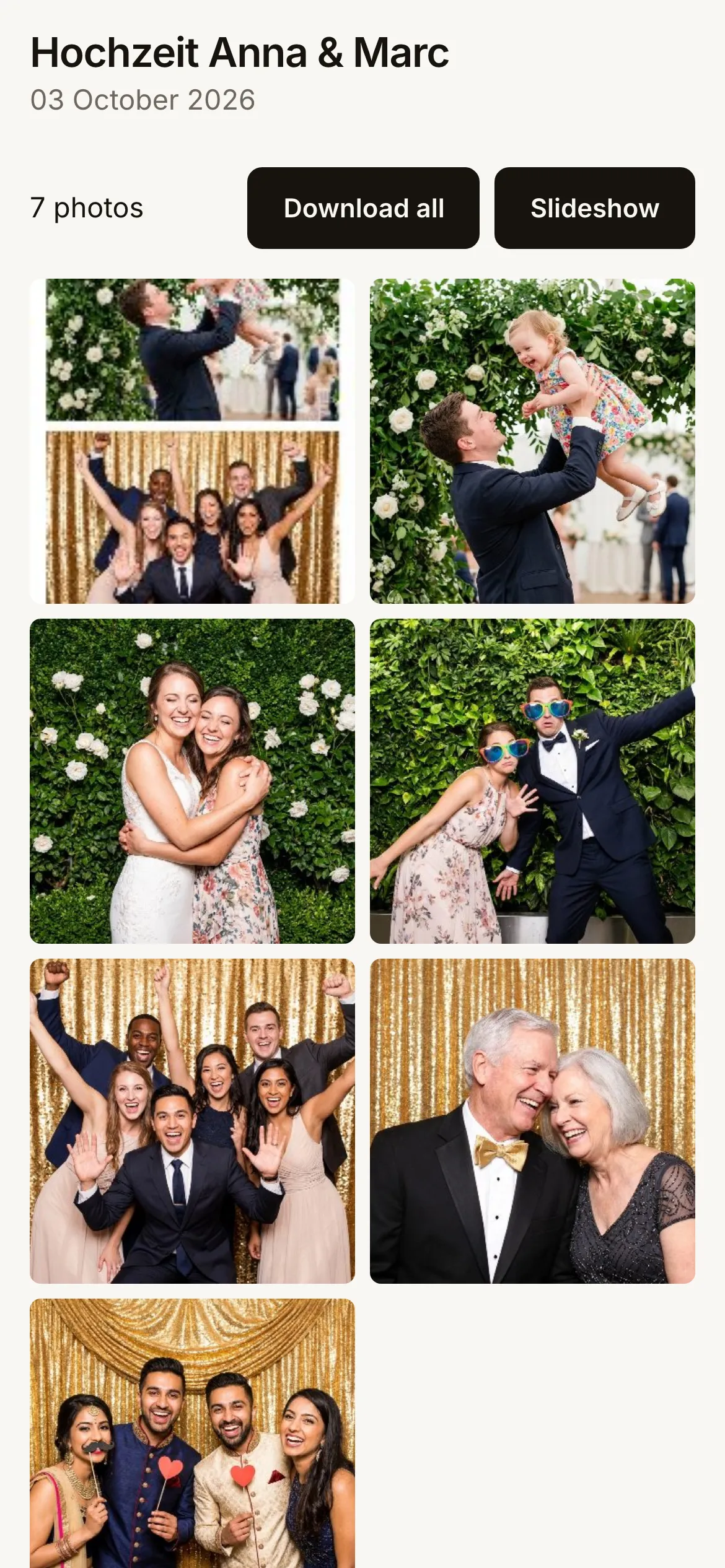
After every shot the booth shows a QR code and guests take their photo home on their phone. Afterwards all photos are in one gallery, with a slideshow for the screen at the event.

  • Public or password protected
  • Download all photos as a ZIP
  • Gallery and emails in the customer’s language: German, French, Italian or English
The online gallery of a wedding on a phone

Seven photos, one gallery.

Statistics

What happened on the night.

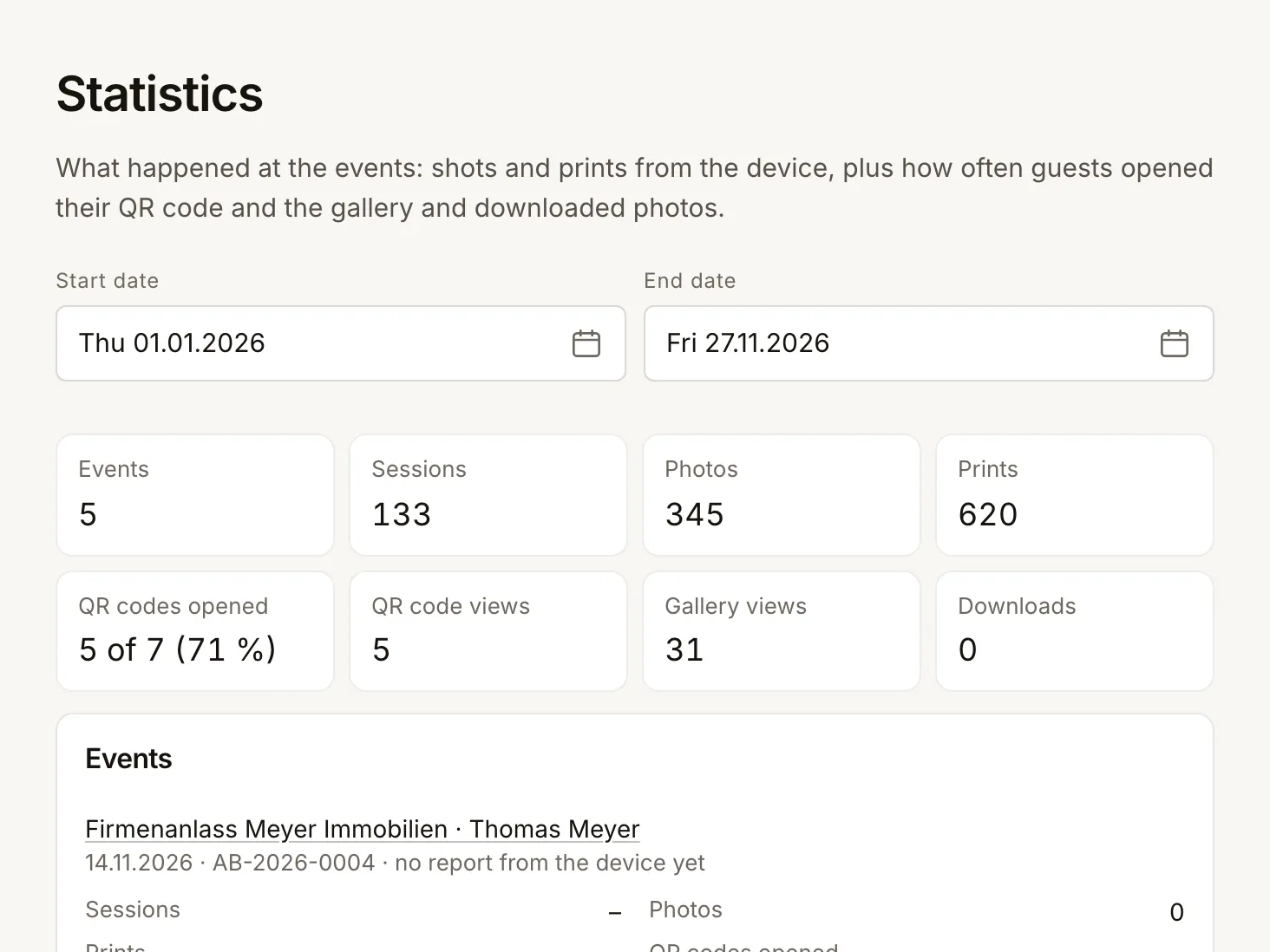
Sessions, photos and prints per event, plus how many guests opened their QR code and the gallery.

  • Prints above the allowance become a line item on the order
Statistics with sessions, photos, prints and views per event

5 of 7 QR codes opened.

Compatible with

Cameras, printers and devices.

Live runs on iPad and Windows and works with what is inside most photo booths: a Canon or Nikon and a photo printer.

Cameras

Canon EOS
DSLR and mirrorless via USB, such as the EOS 2000D, 250D, 90D, 6D Mark II, 5D Mark IV, R, RP, R6, R8, R10, R50 and R100. On iPad with a memory card in the camera.
Nikon
Z cameras such as the Z 5, Z 6, Z 7, Z 8, Z 9, Z f, Z fc, Z 30 and Z 50, and DSLRs such as the D850, via USB.
Built-in camera
The iPad’s camera or a webcam on the PC, for a booth without a system camera.

Printers

DNP on Windows
DS620, DS‑RX1 and QW410 through DNP’s driver, 10x15 and 5x15 strips. The printer reports its paper level itself.
AirPrint on iPad
Any printer with AirPrint. 5x15 strips are printed two to a 10x15 sheet.
Two printers per booth
A primary and a secondary printer, for example strips on one and 10x15 on the other.

Devices

iPad
With USB-C for camera and printer, iPadOS 18.6 or later.
Windows PC
Windows 10 or 11 on x64 or ARM64. Nikon’s own SDK only runs on x64, for the Z cameras on Windows 11; otherwise the app controls the camera through the Windows driver.

Your camera or printer isn’t listed? Ask us before you buy.

And also

Also in Live

Retake

If guests don’t like the photo, they take it again. You decide per event whether that’s allowed.

Offline

The booth runs offline all evening. Photos and numbers follow as soon as there is a connection again.

PIN

Only someone with the PIN can leave the session. Set it once and it applies on every device.

Colour per event

Countdown and buttons in the accent colour of the wedding or the company.

Workflows

Device offline, photos online, extra prints: Boothify lets you know and sends the email if you want.

Windows app

Download it straight from Boothify, it installs without admin rights.

Try Boothify with your own orders

Core is free and stays free. Live and Share & Print are pay as you go: you only pay when you activate an event.